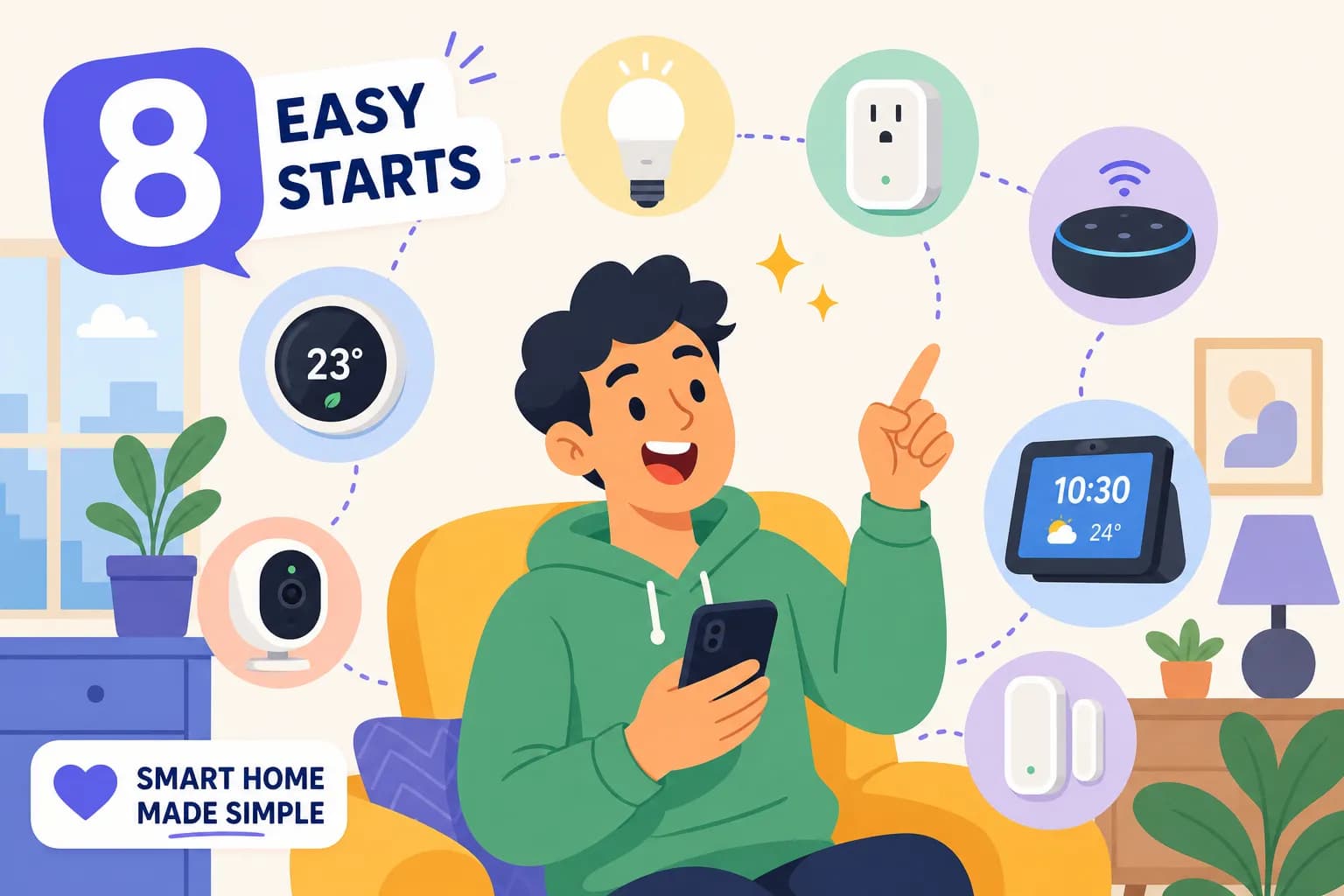
Taming the Tech Beast: Simplify Your Smart Home


Smart homes are no longer a futuristic fantasy. From voice-activated assistants to automated lighting, the technology is here, and it's becoming increasingly accessible. But with so many options available, the process can feel daunting. Where do you even begin to start to simplify your smart home?
Fear not! This guide will provide a roadmap to simplifying your smart home journey. Don't forget to download the free PDF guide! 📙FREE PDF - Designing Your Smart Home: A Beginner's Guide
Simplify Your Smart Home: Define Your Vision
Before diving into the world of gadgets and gizmos, take a step back and ask yourself: "Why do I want a smart home?" Are you looking to enhance security? Improve convenience? Create a specific ambiance?
Identifying your primary motivation will guide your device selection and overall design and definitely help you simplify your smart home. For instance, if security is your main concern, you might prioritize smart locks, security cameras, and motion sensors.
The Unsung Hero: Wireless Connectivity
A robust Wi-Fi network is the backbone of any smart home. Imagine your frustration with buffering TVs and dropped signals – a strong network prevents these headaches.
Consider investing in a mesh Wi-Fi system to ensure seamless connectivity throughout your home, especially if you have a large house or multiple devices competing for bandwidth.
Breaking it Down: Choosing Your Devices
With your vision and network in place, it's time for the fun part: selecting your devices! This is where things can get overwhelming, but remember to focus on your initial goals.
Start with the essentials. Smart lights can instantly transform the mood of your home, while smart plugs offer an easy way to control traditional appliances. If you're building a new home, consider hardwiring smart switches and plugs directly into your electrical system for a more streamlined setup.
Automation for the Win
One of the biggest perks of a smart home is automation. Picture this: you walk in the door, and your lights automatically turn on. Or, as you're falling asleep, a routine automatically dims the lights and adjusts the thermostat.
Explore the automation features of your chosen devices and experiment with different routines to optimize your daily life.
Don't Be Afraid to Ask for Help
Creating a smart home can be a learning experience. Don't hesitate to seek guidance from experts or online communities if you get stuck. Remember, the goal is to simplify your life, not complicate it.
By following these steps, you can demystify the smart home process and create a space that truly enhances your lifestyle. So, take a deep breath, embrace the technology, and enjoy the journey!
Product Links to Simplify Your Smart Home
Whether you're building a new home or upgrading your existing one, this video and blog post will give you the knowledge and confidence to create a smart home that's perfect for you. Don't forget to download the free PDF guide! 📙FREE PDF - Designing Your Smart Home: A Beginner's Guide
Below are just a few devices to give you some ideas!
🛍️Kasa Smart Dimmer Switch HS220 (Amazon)
🛍️Kasa Smart Plug Mini (Amazon)
🛍️Kasa Smart Plug Power Strip HS300 (Amazon)
🛍️Kasa Smart Light Bulbs Full Color (Amazon)
🛍️Kasa Indoor Pan/Tilt 1080p Smart Security Camera (Amazon)
🛍️Philips Hue White and Color 2 Bulb Starter Kit (Amazon)
🛍️Philips Hue White and Color 4 Bulb Starter Kit (Amazon)
🛍️Google Nest Learning Thermostat w/Nest Temperature Sensor (Amazon)
🛍️Google Nest x Yale Lock (Amazon)
🛍️Google Nest Doorbell (Wired, 2nd Gen) (Amazon)
🛍️Amazon Echo Show 5 Smart display (Amazon)
📹ASUS ZenWiFi Pro ET12 6E Mesh Upgrade: Fix WiFi Dead Zones FAST!
🛍️ASUS ZenWiFi Pro AXE11000 Tri-Band WiFi 6E Mesh System (ET12 1PK) (Amazon)
🛍️ASUS ZenWiFi Pro AXE11000 Tri-Band WiFi 6E Mesh System (ET12 2PK) (Amazon)
☕Buy me a coffee to help support my channel. Your kindness is greatly appreciated. It helps me keep the channel going!
Follow me on Social Media:
Facebook ➡️ https://www.facebook.com/gadgetguyssmarthome
IG ➡️ https://www.instagram.com/gadgetguyssmarthome
X ➡️ https://twitter.com/gadgetguyshome
Thank You For Reading! If you found this review helpful, check out my video below on my YouTube Channel, give it a like, and consider subscribing for more updates and videos on other Gadgets and cool software. Lastly, please leave me any comments or questions below, or head over to my Contact page and email me.
Share this article
Help others discover this content