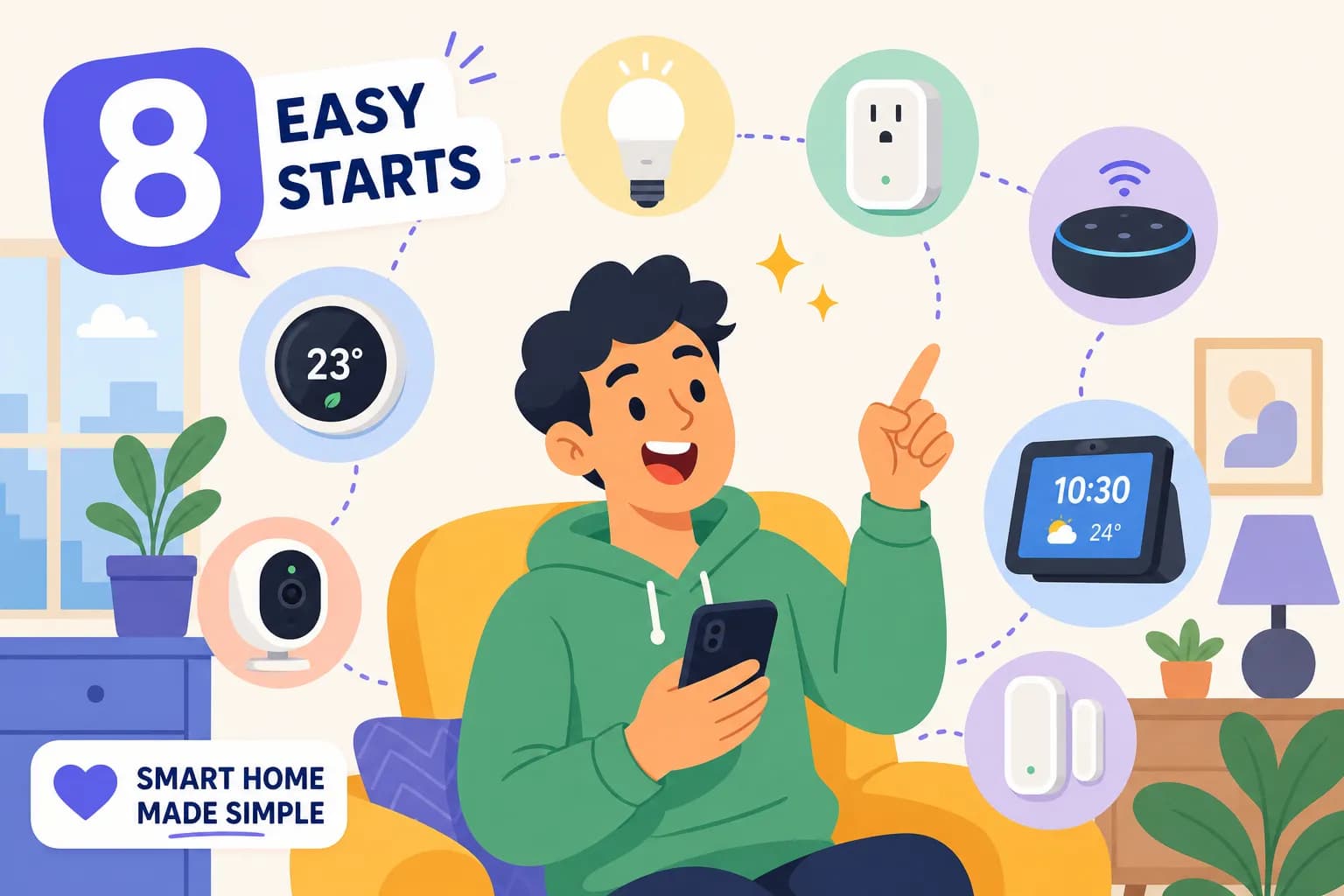
Your Home Automation Starter Kit: What to Buy First

You want a smarter home. You've watched a few YouTube videos, browsed a few product pages, and now you're more confused than when you started. A home automation starter doesn't need to be a research project, but the way the industry markets itself makes it feel like one. Several major platforms, Amazon Alexa, Google Home, Apple HomeKit, and Home Assistant among them, plus abbreviations like Z-Wave, Zigbee, and Matter are all competing for your attention before you've bought a single device.
The honest answer: a solid beginner smart home setup is just three to five devices and one good decision about how you want everything to communicate. That's it. Once you make that decision, the rest of the buying process becomes straightforward. At Gadget Guy's Smart Home, I've spent decades building, breaking, and rebuilding real smart home setups, and I document every lesson here so you don't have to learn them the expensive way.
By the end of this guide, you'll know exactly which devices to buy first, what a realistic budget looks like, whether to go hub-based or hubless, and how to build your first real working automation. Here's where to start.
Why most beginners get stuck before they buy anything
The real problem isn't the technology
Most beginners don't lack motivation. They lack a starting sequence. The smart home market is built around constant product launches and platform wars, which means there's always a new device or ecosystem competing for your attention. Multiple competing brands, several major platforms, and devices that sometimes refuse to work together create a wall of noise that stops people before they even add anything to a cart.
The fix is simple: choose one ecosystem first and ignore everything else until your foundation is solid. A "perfect" setup, one with cost-free interoperability and universal compatibility, doesn't really exist yet, and chasing it means spending money and ending up with a drawer full of half-integrated devices. The best DIY home automation starter is the one you'll actually use on day one.
Why the first device matters more than you think
Your first purchase sets your ecosystem, and switching ecosystems later can mean replacing some devices, especially older, non-Matter legacy hardware. Buy an Amazon Echo Dot and you're building in the Alexa world. Buy a Google Nest Mini and you're in Google's. Buy an Apple HomePod mini and you're in HomeKit territory. None of these are wrong choices, but they're not interchangeable choices either.
Decide on your platform before you open a product page. That single decision eliminates much of the confusion that comes next, and it's the most underrated step in any beginner smart home guide. Think of it this way: once you know you're going Alexa, you stop reading reviews for HomeKit-only bulbs entirely. That alone cuts your research time in half.
Hub or no hub: the decision to make before you spend anything
The simple case for Wi-Fi devices (hubless)
Wi-Fi smart devices connect directly to your router and pair through a smartphone app. No extra hardware to configure, no learning curve beyond downloading an app. For a starter setup of one to five simple devices, this is the fastest and lowest-friction path. A smart speaker, a couple of smart plugs, and a few bulbs can all be running in under an hour with zero technical background required.
The downsides show up as you scale. Wi-Fi smart devices are cloud-dependent, which means your automations rely on vendor servers staying online. Add enough Wi-Fi devices to a home network and you'll start seeing congestion. Different brands also tend to bring different apps, so you end up juggling multiple interfaces instead of running everything from one place.
When a Zigbee or Z-Wave hub is worth the extra step
If you plan to expand beyond 10, 15 devices, want automations that keep working when the internet goes down, or care about battery life on sensors and locks, a hub-based Z-Wave Zigbee starter kit pays off quickly. Zigbee gives you a massive device ecosystem at lower price points. Z-Wave uses a less congested frequency band and delivers better range in larger homes, though it tends to cost a bit more per device.
Home Assistant with a Zigbee coordinator is one of the most capable local-control options available, running without a cloud requirement and supporting an enormous range of hardware. The trade-off is a steeper setup curve. SmartThings is a friendlier middle ground for someone who wants hub-level reliability without a full DIY platform. The short recommendation: start hubless if you want five or fewer simple devices; plan for a hub if you're serious about scaling beyond that.
Picking your platform: Alexa, Google Home, or Apple HomeKit
Alexa has the broadest device compatibility of any mainstream platform, with 140,000+ certified devices in 2026. It's the safest default choice for anyone who doesn't already have a strong preference. Google Home is the natural fit for Android users and anyone already invested in the Google ecosystem.
Apple HomeKit is polished, privacy-focused, and integrates well with iPhones, but it has a smaller device ecosystem than the other two. If privacy is your top priority and you're comfortable with a DIY approach, Home Assistant runs entirely locally and keeps your data off anyone else's servers.
The 4, 8 devices that make a real home automation starter kit
Layer one: the foundation (what to buy first)
Start with a smart speaker in the $30, $100 range as your voice control hub, then add two or three smart plugs at $8, $15 each (or a 4-pack for $20, $50) to automate lamps, fans, and coffee makers. The TP-Link Kasa line is consistently a strong value pick for Wi-Fi plugs: easy to set up, reliable, and compatible with Alexa, Google Home, and Matter. This combination costs under $80 and delivers immediate, daily-use value without any technical knowledge beyond app pairing.
This is the layer that most people skip past because it feels too simple. Don't. Having two or three plugs running reliable schedules teaches you how your platform handles automations, what the trigger logic looks like, how delays work, where the edge cases show up, before you spend money on more complex devices.
Layer two: smart lighting that actually changes how you live
Smart bulbs run $10, $20 each, or $70, $150 for a starter lighting kit, and they're the upgrade that makes guests ask "wait, how did you do that?" You can schedule morning brightness, set evening scenes, and control every light in the house from your phone without getting off the couch. For anyone following a beginner smart home guide, lighting is usually where the "this is actually worth it" moment hits.
In 2026, Matter-certified bulbs are the safest long-term choice. They're tested for cross-platform compatibility, which means they'll work regardless of whether you stay with your current ecosystem or switch later. Look for the Matter logo on the packaging before you buy.
Layer three: optional upgrades worth planning for
A smart thermostat ($100, $200) is the expansion most likely to pay for itself over time. Depending on your usage patterns and local energy rates, some households recoup the cost within a year, though your mileage will vary. The scheduling flexibility alone tends to make it worthwhile. A video doorbell or indoor camera ($50, $200) adds a useful security layer once your core setup is running smoothly.
Total realistic budget for a complete home automation starter setup: $150, $350 depending on scope. A lean foundation (speaker, plugs, a few bulbs) lands closer to $80, $120. A full first layer including lighting and a thermostat puts you in the $200, $350 range.
Your first real home automation starter project: motion-triggered lights step by step
Setting up the trigger
Add a motion sensor and a smart bulb (or plug-controlled lamp) to your platform's app before you build anything. Name them clearly, "Hall Sensor" and "Hall Lamp" rather than the default device names. Clear naming saves real time when you're building automations and troubleshooting later. In the Alexa app, go to More, then Routines, and tap the plus button to create a new routine.
Select "When this happens," choose Smart Home, then select your motion sensor from the device list. Set the trigger condition to "Motion detected." That's your trigger locked in.
Adding the action and the off-delay
Tap "Add action," choose Smart Home again, select your light, and set the action to turn on. That handles the on side of the automation. For the off side, create a second routine triggered by "No motion detected" and set it to turn the light off after a delay of 30 seconds to 2 minutes. Most platforms let you set this within a single automation; Alexa handles it cleanly as a two-routine setup.
For a hallway, 30, 60 seconds is usually enough. For a bedroom or bathroom, a 2, 5 minute delay is more comfortable. Start conservative and shorten it if the light stays on too long after you leave.
Testing and making it actually reliable
Walk through the sensor's field of view and confirm the light responds. Leave the room and time the shutoff. If it triggers too early or too late, adjust the delay before you call it done. Place the sensor where it clearly catches entry movement, not where it points at a window, heating vent, or ceiling fan. Simple, well-placed sensors reduce false triggers far better than complicated automation logic does.
The mistakes that cost beginners the most time and money
Mixing too many ecosystems too early
Buying one Alexa device, one Google device, and two HomeKit-only bulbs means three separate apps and zero real automation. Stick with one ecosystem until you have 10 or more devices and a clear reason to branch out. App fragmentation is one of the most common frustrations for anyone new to home automation for beginners, and it's completely avoidable with a little discipline at checkout.
Skipping the compatibility check before checkout
"Works with Alexa" does not mean it works with Google Home. These are separate certifications, and devices often carry one without the other. Always check the product page or box before buying, especially for smart locks and thermostats where returns involve re-installation work. A quick compatibility check before you pay beats an afternoon of frustration after the package arrives.
Ignoring local control until it bites you
Cloud-dependent devices go offline when your internet does. For casual automations like a scheduled lamp, that's a minor inconvenience. For motion lights in a hallway or a garage door alert, it's a genuine problem. Local-control options are worth the slightly higher upfront cost for any automation you actually depend on. This is one of those lessons that most people learn after two or three frustrating device purchases rather than before them.
Where to take your starter setup next
The natural expansion order
Once your foundation, smart speaker, plugs, lighting, is stable and you're genuinely using the automations you've built, expand in a logical sequence: smart thermostat first, then a video doorbell, then contact or window sensors, and finally a whole-home lighting expansion or a full camera system. Each layer should solve a real problem you've already noticed in your daily life, not a problem someone else has.
Resist the urge to jump to a full security camera system before you've lived with a single automation for at least two weeks. The system becomes far more useful when each layer is something you actually wanted, not something you bought because it was on sale.
Following a real home automation journey
One of the fastest ways to avoid expensive mistakes is to follow someone who has already made them. At Gadget Guy's Smart Home, I document a real, ongoing smart home build, real gear, real prices, and real lessons from years of hands-on experimentation across dozens of platforms and devices. Affiliate links help keep the site running, but the recommendations are my own and reflect what I've actually used, not what pays the best commission.
Bookmark it as a running reference. As your system grows, the guides here grow with it.
Start simple: your home automation starter checklist
A home automation starter kit doesn't need to be complicated or expensive to be genuinely useful. A smart speaker, two or three smart plugs, and a handful of bulbs is enough to change how you interact with your home every single day. That's a real, working smart home for under $150, and it's a foundation you can build on for years.
Choose your ecosystem first. Decide on hub versus hubless based on how far you plan to go. Buy in layers, and let each layer actually settle before you add the next one. The decision framework matters more than any individual device on the list.
The first automation you build will be the hardest. Every one after that gets faster, and the system starts to feel like it was designed specifically for how you live. If you're ready to put together your home automation starter setup and have questions about which platform fits your situation or which devices work best for your home, drop them in the comments below, I read every one.
Frequently asked questions about home automation for beginners
What is the best home automation starter kit for beginners?
The best home automation starter kit for most beginners is a smart speaker (Amazon Echo, Google Nest, or Apple HomePod mini), two or three Wi-Fi smart plugs, and a handful of smart bulbs. This combination costs under $150, requires no hub, and delivers real, daily-use automation from day one. The TP-Link Kasa line is a reliable, affordable choice for plugs that works with Alexa, Google Home, and Matter.
Do I need a hub to get started with home automation?
No. For a starter setup of one to five simple devices, Wi-Fi smart devices are the easiest path. A hub becomes worth the extra step when you plan to expand beyond 10, 15 devices, need automations that work without an internet connection, or want to use Zigbee or Z-Wave sensors and locks for better battery life and reliability.
What's the difference between Zigbee, Z-Wave, and Matter?
Zigbee and Z-Wave are wireless protocols used by hub-based smart home devices. Zigbee has a large, affordable device ecosystem; Z-Wave uses a less congested radio frequency and offers strong range in larger homes. Matter is a newer cross-platform standard that lets devices from different brands and ecosystems work together without brand-specific hubs. For new buyers in 2026, Matter-certified devices are the safest long-term choice.
Which smart home platform should I choose: Alexa, Google Home, or Apple HomeKit?
Alexa has the widest device compatibility and is the safest default for most beginners. Google Home is a natural fit if you use Android and other Google services. Apple HomeKit is the right choice if you're deep in the Apple ecosystem and privacy is a priority. Home Assistant is worth considering if you want full local control and don't mind a steeper setup curve. Pick one and stick with it until your foundation is solid.
What is a realistic budget for a smart home starter pack?
A lean foundation, smart speaker, two or three plugs, and a few bulbs, runs $80, $120. A more complete first layer that adds smart lighting and a thermostat typically lands in the $200, $350 range. You don't need to spend more than that to have a fully functional, genuinely useful setup.
Share this article
Help others discover this content