8 Easiest Smart Home Devices to Start With in 2026
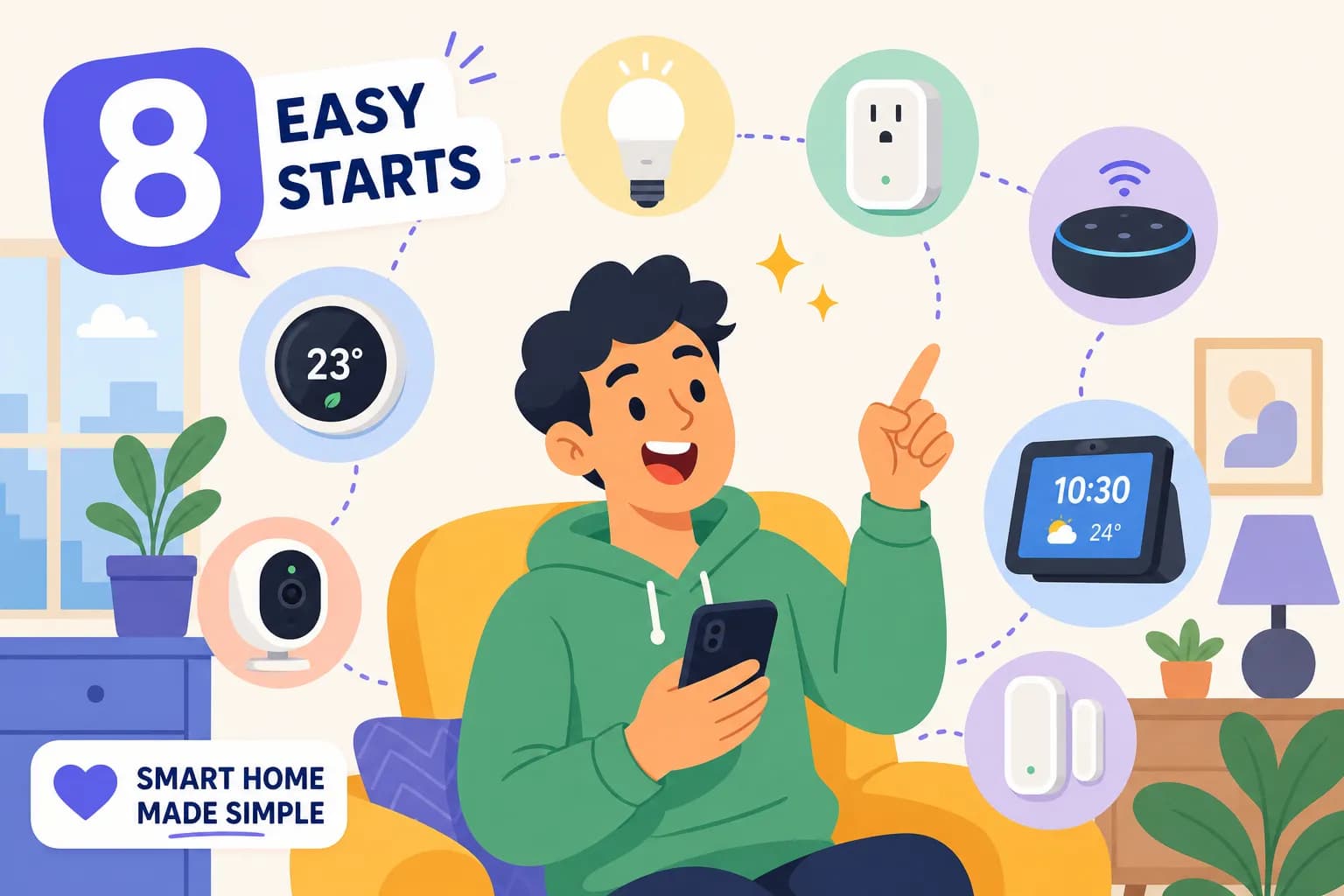
Looking for the easiest smart home devices to start with? You're not alone. You open Amazon, search "smart home starter," and suddenly you're looking at dozens of smart plugs, three incompatible ecosystems, and a product description full of acronyms you've never heard of. Most people close the tab and never come back. I get it, because I've watched it happen to friends and family more times than I can count. Honestly, it happened to me too before I figured out the right order to do things.
After more than a decade of hands-on testing at Gadget Guy's Smart Home, I've set up smart devices in living rooms, apartments, rental units, and everything in between. My very first smart home purchase was a basic smart plug. What surprised me wasn't how complicated it was, it was how fast it worked. I had a lamp on a schedule within five minutes, and the feeling of "this is actually useful" hit immediately.
Every device on this list earned its spot by passing one test: can a complete beginner get it running in a single session, with just a phone and a Wi-Fi password? No hub required. No electrician. No weekend sacrifice. Here are the eight easiest smart home devices to start with in 2026, ranked from "buy this first" to "add this when you're ready."
What "beginner-friendly" actually means and why it matters
A device isn't beginner-friendly just because the packaging says "easy setup." The real test is whether you can plug it in, open an app, and control it within 15 minutes on your very first attempt. If a device needs a separate hub, requires running cable through a wall, or sends you to a support forum, it doesn't make this list. That's the standard every pick below had to meet.
Hub-free vs. hub-required: the quick version
Wi-Fi devices connect directly to your home router, just like your phone does. Zigbee, Z-Wave, and Thread devices often need a separate hub or bridge you purchase on top of the device itself. Most of the top-ranked devices below work over Wi-Fi or are Matter-enabled, which means no surprise extra costs and no extra hardware to configure before you even get started. A few picks further down the list, notably motion sensors and some smart locks, may require a hub or compatible border router, so those are best tackled once you're comfortable with the basics.
Ecosystem compatibility: match your phone, not the packaging
Before you buy anything, look at the phone in your pocket. iPhone users should lean toward Apple Home or Alexa. Android users fit naturally into Google Home or Alexa. This one decision simplifies every purchase that follows. When readers at Gadget Guy's Smart Home aren't sure which way to go, Alexa is the default recommendation because it supports the widest range of easy smart home gadgets across both platforms.
Easiest smart home devices to start with: the first three to buy
#1 Smart plug: the safest first purchase you can make
The TP-Link Kasa EP25 is the top pick for most beginners in 2026. It works with Alexa, Google Home, and Apple Home, and setup takes about 90 seconds on a stable network. If you're all-in on Alexa and want the fastest possible start, the Amazon Smart Plug gets you there in under five minutes and requires almost no decisions during setup.
A smart plug is the perfect first device because it makes anything you already own "smart." That lamp you've had for years becomes a lamp on a schedule, controlled by your voice, without replacing anything. At around $15, $25 (typical retail for a Wi-Fi smart plug in 2026), it's also the cheapest way to learn how your ecosystem's app works before you invest in anything bigger. The smart plug was my own first purchase, and the moment a lamp turned on automatically at sunset without me touching a single thing, the whole concept clicked.
#2 Smart speaker: your voice control command center
The Echo Dot (5th Gen) is the best all-around beginner pick for most households. It's compact, affordable, and Wirecutter has consistently listed it as the easiest entry point into Alexa. Android users should consider the Nest Mini for its tight Google Home integration, and iPhone users who are already committed to Apple will appreciate the HomePod mini, though it requires Apple devices to set up.
Set up your smart speaker early because every device you add afterward gets automatic voice control. That means once the Echo Dot is running, you can say "Alexa, turn off the living room lamp" before you've done anything else. Setup for all three speakers typically runs about 3, 5 minutes through the manufacturer's app.
#3 Smart bulb: the fastest visual upgrade in your home
The WiZ 60W A19 is the top value pick for most beginners: simple app setup, no hub required, and strong light quality for the price. LIFX is a solid hub-free alternative with a slightly more polished app experience. If you're on Apple Home specifically, Meross bulbs pair directly through the Apple Home app by scanning a barcode, about as close to effortless as it gets. Note that some non-Wi-Fi bulbs, such as certain Philips Hue models, do require a hub or bridge, so check the specs before you buy.
The basic setup flow for almost every Wi-Fi smart bulb is the same: screw it in, power it on, open the app, scan the QR code or pair via Bluetooth, and you're done in under two minutes. Many beginners find smart bulbs are the first device they notice every single day, because the change is visible in every room, every time you walk in.
Devices #4, #5: add these once you're comfortable
#4 Smart thermostat: bigger payoff, still DIY-friendly
A smart thermostat is a step up from a plug or bulb, but it's still very manageable for a confident beginner. Most connect directly over Wi-Fi with no hub needed. Installation means swapping out your old thermostat, which takes about 30 minutes when the wiring is standard. The most common beginner question is about the C-wire, a fifth wire some older homes don't have.
The Google Nest Thermostat handles most homes without a C-wire through power-stealing technology. The Emerson Sensi ST55 is the cleanest solution for homes with older wiring because it runs on batteries entirely, no C-wire at all. The ecobee Smart Thermostat Enhanced includes a Power Extender Kit in the box that solves the wiring question for most remaining cases. Many users report meaningful reductions in heating and cooling costs over several billing cycles, and vendor energy-savings estimates suggest this is the device with the most tangible financial payoff on the list, though results vary by home size, climate, and usage habits.
#5 Video doorbell: security that installs in under 30 minutes
Battery-powered video doorbells are ideal for renters because there's no wiring involved at all. The Wyze Battery Video Doorbell uses 3M adhesive backing and requires zero tools. The Blink Video Doorbell is consistently rated as one of the easiest setups at one of the lowest prices. Ring's battery models offer a No-Drill Mount option that's become a popular choice in apartments specifically.
The setup flow is straightforward: attach the mount, press the doorbell onto it, open the app, and walk through the connection steps. You'll have live video and motion alerts in one session. This is the device that gives most beginners the biggest "why didn't I do this sooner" moment, especially the first time you see who's at the door from your couch.
Devices #6, #8: expand when you're ready to go further
#6 Smart lock: check your door hardware before buying
Smart locks are the one device on this list that require pre-purchase research. The lock must match your door's existing deadbolt hole and backset, so measure both before ordering. Returns on locks are a genuine headache, and this is a mistake worth avoiding.
Wi-Fi-enabled models like the Schlage Encode and Level Lock work without a hub and give you full remote access from anywhere. Bluetooth-only locks are less expensive but limit you to close-range control, so they don't give you the "let in the dog walker while I'm at work" use case. Installation typically takes about 30, 45 minutes for a standard deadbolt replacement, depending on your experience level and door hardware.
#7 Motion sensor: simple but surprisingly useful
Motion sensors are inexpensive (often $20, $40) and genuinely useful for automations like lights that turn on when you enter a room. The catch is that most sensors use Zigbee or Z-Wave, which means they need a hub to function. If you already have a 4th-generation or newer Echo device, you're in luck: those models include a built-in Zigbee hub, which makes adding a compatible motion sensor a straightforward expansion with no extra hardware cost.
#8 Smart dimmer switch: upgrade without replacing every bulb
A smart dimmer switch lets you add smart control to a room without swapping every bulb individually. That's a real advantage in rooms with ceiling fixtures or multi-bulb setups. Installation involves turning off the breaker, connecting three wires, and snapping the switch into the wall plate. It's not for someone who has never opened an electrical panel before, but it's a natural next step for anyone who has already worked through the plug and bulb experience and wants to go deeper.
Picking your ecosystem before spending a dollar
Alexa, Google Home, or Apple Home: a plain-English breakdown
Alexa supports the widest range of third-party devices and works across both iPhone and Android, making it the most flexible starting point for a plug-and-play smart home. Google Home integrates most naturally with Android phones and Google services like Calendar and Maps. Apple Home is the most privacy-focused and has the most polished interface, but it requires Apple devices to set up and manage.There's no universally "best" ecosystem because the right answer depends entirely on what you already use. The practical rule is simple: pull out your phone, look at what's already on it, and build your smart home around that. Alexa is the default recommendation at Gadget Guy's Smart Home for readers who are genuinely on the fence, because it supports the most beginner-friendly devices with the fewest compatibility surprises. The Matter protocol is gradually reducing ecosystem lock-in, but it isn't universal yet, so your platform choice still matters today.
First automations to set up on day one
Three routines that make your setup feel like a real smart home
Automations are where the setup stops feeling like a tech project and starts feeling like a genuine smart home for beginners. All three routines below are pre-built templates inside the Alexa app, Google Home app, or Apple Shortcuts. None of them require coding or advanced skills.
- Good morning routine:Set a schedule trigger for your wake time. Add actions to turn on your smart bulbs at a low brightness and adjust your thermostat to a comfortable morning temperature. In the Alexa app, go to More → Routines → "+" and follow the prompts.
- Sunset lamp schedule: Use your smart plug to turn a living room lamp on automatically at sunset and off at 11pm. Alexa and Google Home both support "at sunset" as a native trigger, so you don't need to manually update it as the seasons change.
- Away mode: Create a location-based routine that turns off all smart plugs when your phone leaves home. This runs on geofencing in the Alexa or Google Home app and typically takes just a few minutes to configure by following the routine setup wizard in each app.
What not to overcomplicate right away
The most common beginner mistake is setting up 10 automations on day one and then spending a weekend troubleshooting why half of them don't trigger correctly. Start with one routine per device. Get comfortable with how triggers and actions connect, then expand from there. The goal on day one is confidence, not a fully automated house.
Start small and build from here
The fastest path to a working smart home is this: buy a smart plug and a smart speaker first, add a smart bulb the same week, and let the system grow naturally from there. In most cases, all three of those devices are hub-free, take under 10 minutes to set up, and work across every major ecosystem, making them the ideal starter smart home kit for anyone just getting going. Many people find they have their first two or three devices running within a single afternoon.
The devices higher on this list, the plug, speaker, and bulb, are designed to be set up by someone who has never touched a smart home product before. The picks lower on the list simply reward you for already knowing how the basics work. Some of those later additions, like motion sensors and certain locks, may involve a hub or a bit of extra prep, but by that point you'll have the confidence to handle it.
Gadget Guy's Smart Home has detailed setup guides, ecosystem comparisons, and budget breakdowns for every device category covered here. Start there when you're ready to go deeper on any specific pick. And remember: when it comes to the easiest smart home devices to start with, the smart plug, smart speaker, and smart bulb, the best move is the one you make today, not the perfect setup you're still researching next month.
Share this article
Help others discover this content


