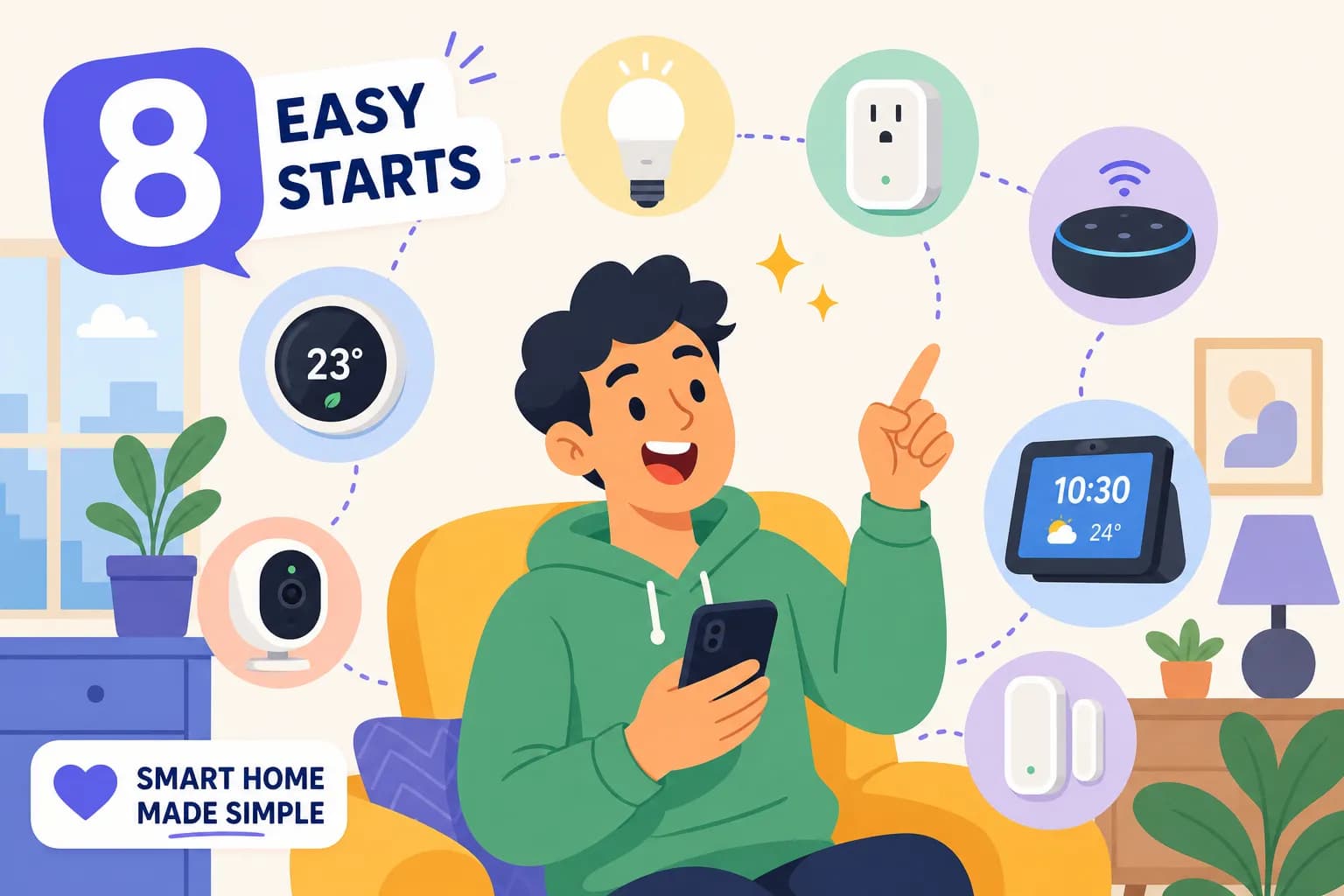
Smart Home Personalization: The Ultimate Guide to Customize Your Smart Home


After laying the groundwork for your smart home personalization, it's time to dive in. This fifth and final step in our smart home setup series focuses on making your connected home truly yours through customization and automation.
Previous Steps Quick Recap
Before we dive into personalization, let's quickly review the foundation we've built:
- Step 1: Defining your vision
- Step 2: Prioritizing your needs
- Step 3: Choosing your ecosystem (Google Home, Amazon Alexa, or Apple HomeKit)
- Step 4: Starting with basic devices (smart bulbs, switches, and plugs)
Getting Started with Smart Home Personalization
Once you have your basic smart home infrastructure in place, you can begin creating custom automations that match your lifestyle. Some popular smart home personalization options include:
- Motion sensor triggers for specific rooms
- Custom lighting scenes for different times of day
- Automated routines for arriving home or leaving
- TV and entertainment system automation
Creating Custom Smart Home Personalization Routines
The real power of smart home personalization lies in creating routines that automate multiple actions. For example:
- Morning routines that turn on lights and start your coffee maker
- Evening routines that secure your home and adjust temperatures
- Custom voice commands for specific scenarios
- Geofencing triggers based on your location
Device Integration Tips
To maximize your smart home's potential:
- Ensure proper device naming and room organization
- Create logical device groups
- Test automations thoroughly
- Consider using motion sensors for hands-free control
- Integrate entertainment systems with smart plugs
Security Considerations
While personalizing your smart home, always prioritize security:
- Use strong passwords
- Enable two-factor authentication
- Implement additional security measures like passkeys
- Regularly update device firmware
- Monitor device access logs
Product Links to Simplify Your Smart Home Personalization
Whether you’re building a new home or upgrading your existing one, this video and blog post will give you the knowledge and confidence to create a smart home that’s perfect for you. Don’t forget to download the free PDF guide! 📙FREE PDF – Designing Your Smart Home: A Beginner’s Guide
Follow me on Social Media:
Facebook ➡️ https://www.facebook.com/gadgetguyssmarthome
IG ➡️ https://www.instagram.com/ugcwithrobert
X ➡️ https://x.com/ugcwithrobert
Below are just a few devices to give you some ideas!
🛍️Kasa Smart Dimmer Switch HS220 (Amazon)
🛍️Kasa Smart Plug Mini (Amazon)
🛍️Kasa Smart Plug Power Strip HS300 (Amazon)
🛍️Kasa Smart Light Bulbs Full Color (Amazon)
🛍️Kasa Indoor Pan/Tilt 1080p Smart Security Camera (Amazon)
🛍️Philips Hue White and Color 2 Bulb Starter Kit (Amazon)
🛍️Philips Hue White and Color 4 Bulb Starter Kit (Amazon)
🛍️Google Nest Learning Thermostat w/Nest Temperature Sensor (Amazon)
🛍️Google Nest x Yale Lock (Amazon)
🛍️Google Nest Doorbell (Wired, 2nd Gen) (Amazon)
🛍️Amazon Echo Show 5 Smart display (Amazon)
📹ASUS ZenWiFi Pro ET12 6E Mesh Upgrade: Fix WiFi Dead Zones FAST!
🛍️ASUS ZenWiFi Pro AXE11000 Tri-Band WiFi 6E Mesh System (ET12 1PK) (Amazon)
🛍️ASUS ZenWiFi Pro AXE11000 Tri-Band WiFi 6E Mesh System (ET12 2PK) (Amazon)
Conclusion
smart home is an ongoing journey that evolves with your needs. Start with simple automations and gradually add more sophisticated routines as you become comfortable with the system. Remember, the goal is to create convenience and enhance your daily life through thoughtful automation.
📙FREE PDF – Designing Your Smart Home: A Beginner’s Guide
☕Buy me a coffee to help support my channel. Your kindness is greatly appreciated. It helps me keep the channel going!
Thank You For Reading! If you found this review helpful, check out my video below on my YouTube Channel, give it a like, and consider subscribing for more updates and videos on other Gadgets and cool software. Lastly, please leave me any comments or questions below, or head over to my Contact page and email me.
Share this article
Help others discover this content