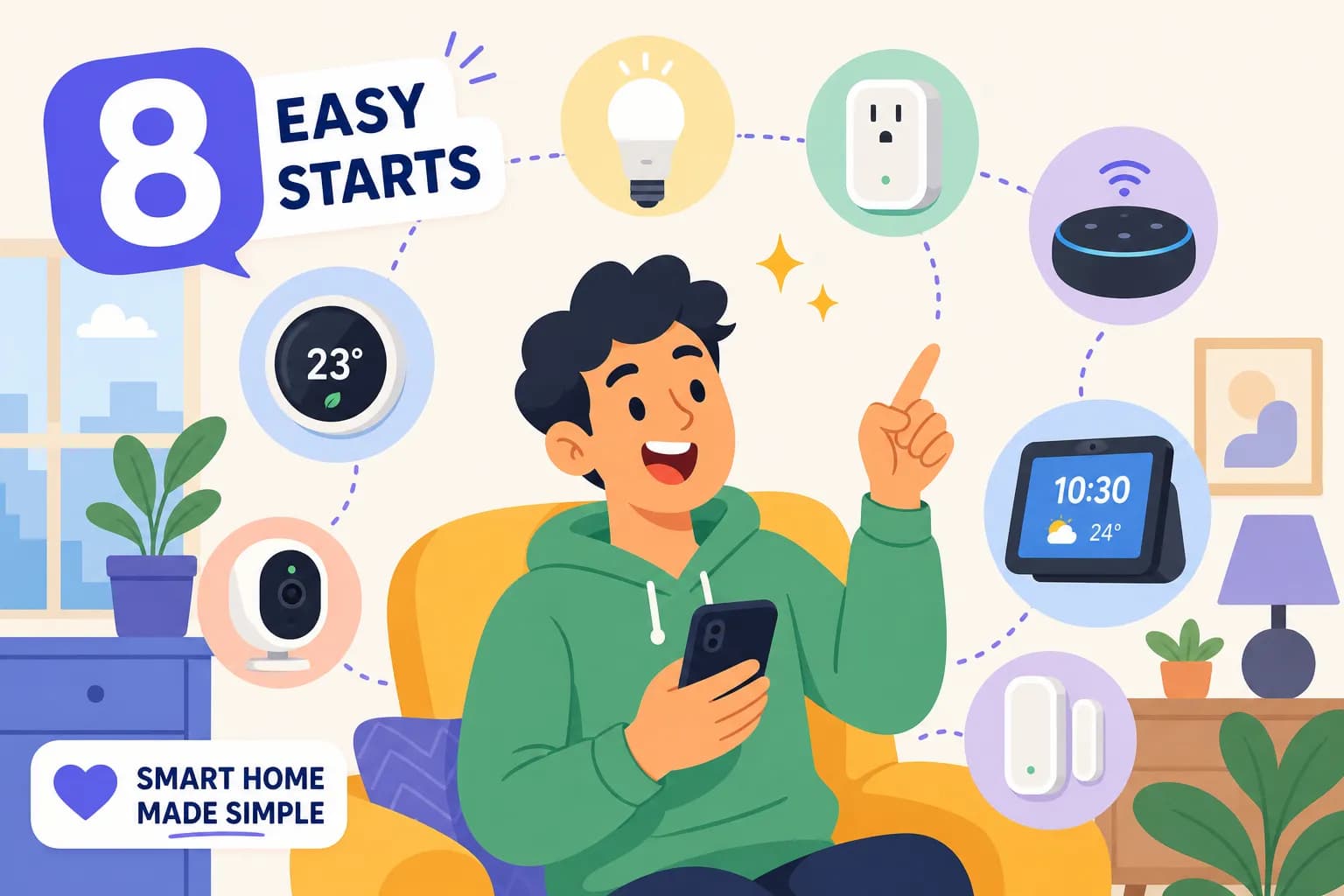
Smart Home Design For Beginners: How to Automate Your Home


Imagine a home that anticipates your needs - lights turn on when you wake up, music plays during your workout, and doors lock automatically when you leave. That's the magic of a smart home! This smart home design for beginners guide will walk you through the process of designing your smart home, even if you're starting from scratch. We'll cover everything from prioritizing your needs to setting a budget and choosing the right technology.
Don’t forget to download the free PDF guide! 📙FREE PDF – Designing Your Smart Home: A Beginner’s Guide
Why Do You Need a Smart Home?
Before diving into design, it's important to determine why you want a smart home and what you want it to do. Are you looking for convenience, security, or simply a more enjoyable living space?
Smart Home Design for Beginners Helps Prioritize Your Smart Home Needs
Identify your essential smart home features. Consider your lifestyle, daily routines, and personal preferences. For example, a busy professional might prioritize smart lighting and automated appliances for a smoother morning routine.
Setting a Smart Home Budget
Smart home devices range from very affordable to quite expensive. Establish a realistic budget to guide your choices and ensure you don't overspend.
Choosing the Right Smart Home Tech
With a budget in mind, you can explore devices that meet your needs without breaking the bank. Consider the functionalities you desire and how different devices can integrate into your home.
Smart Home Design for Beginners Helps You Avoid Mistakes
It's easy to get carried away with the latest gadgets. Avoid common pitfalls like buying individual smart bulbs when a smart switch would suffice. Think about your workflow and how you want to initiate actions (motion sensors, voice commands, or automation).
Don't Forget the Smart Home Ecosystem
Your smart home ecosystem (like Google Home or Amazon Alexa) is the central hub that connects your devices. Choose an ecosystem that's compatible with the devices you're interested in.
Smart Homes for Seniors
Smart home technology can be incredibly beneficial for seniors, providing increased safety and independence. Consider features like automated lighting, voice-activated assistants, and remote monitoring for peace of mind.
Smart Home Design for Beginners Helps Simplify Your Smart Home
Creating a smart home doesn't have to be complicated or expensive. By planning carefully and choosing the right technology, you can enjoy a more convenient and enjoyable living space.
Don’t Be Afraid to Ask for Help
Creating a smart home can be a learning experience. Don’t hesitate to seek guidance from experts or online communities if you get stuck. Remember, the goal is to simplify your life, not complicate it.
By following these steps, you can demystify the smart home process and create a space that truly enhances your lifestyle. So, take a deep breath, embrace the technology, and enjoy the journey!
Product Links to Simplify Your Smart Home
Whether you’re building a new home or upgrading your existing one, this video and blog post will give you the knowledge and confidence to create a smart home that’s perfect for you. Don’t forget to download the free PDF guide! 📙FREE PDF – Designing Your Smart Home: A Beginner’s Guide
Follow me on Social Media:
Facebook ➡️ https://www.facebook.com/gadgetguyssmarthome
IG ➡️ https://www.instagram.com/gadgetguyssmarthome
X ➡️ https://twitter.com/gadgetguyshome
Below are just a few devices to give you some ideas!
🛍️Kasa Smart Dimmer Switch HS220 (Amazon)
🛍️Kasa Smart Plug Mini (Amazon)
🛍️Kasa Smart Plug Power Strip HS300 (Amazon)
🛍️Kasa Smart Light Bulbs Full Color (Amazon)
🛍️Kasa Indoor Pan/Tilt 1080p Smart Security Camera (Amazon)
🛍️Philips Hue White and Color 2 Bulb Starter Kit (Amazon)
🛍️Philips Hue White and Color 4 Bulb Starter Kit (Amazon)
🛍️Google Nest Learning Thermostat w/Nest Temperature Sensor (Amazon)
🛍️Google Nest x Yale Lock (Amazon)
🛍️Google Nest Doorbell (Wired, 2nd Gen) (Amazon)
🛍️Amazon Echo Show 5 Smart display (Amazon)
📹ASUS ZenWiFi Pro ET12 6E Mesh Upgrade: Fix WiFi Dead Zones FAST!
🛍️ASUS ZenWiFi Pro AXE11000 Tri-Band WiFi 6E Mesh System (ET12 1PK) (Amazon)
🛍️ASUS ZenWiFi Pro AXE11000 Tri-Band WiFi 6E Mesh System (ET12 2PK) (Amazon)
☕Buy me a coffee to help support my channel. Your kindness is greatly appreciated. It helps me keep the channel going!
Thank You For Reading! If you found this review helpful, check out my video below on my YouTube Channel, give it a like, and consider subscribing for more updates and videos on other Gadgets and cool software. Lastly, please leave me any comments or questions below, or head over to my Contact page and email me.
Share this article
Help others discover this content